
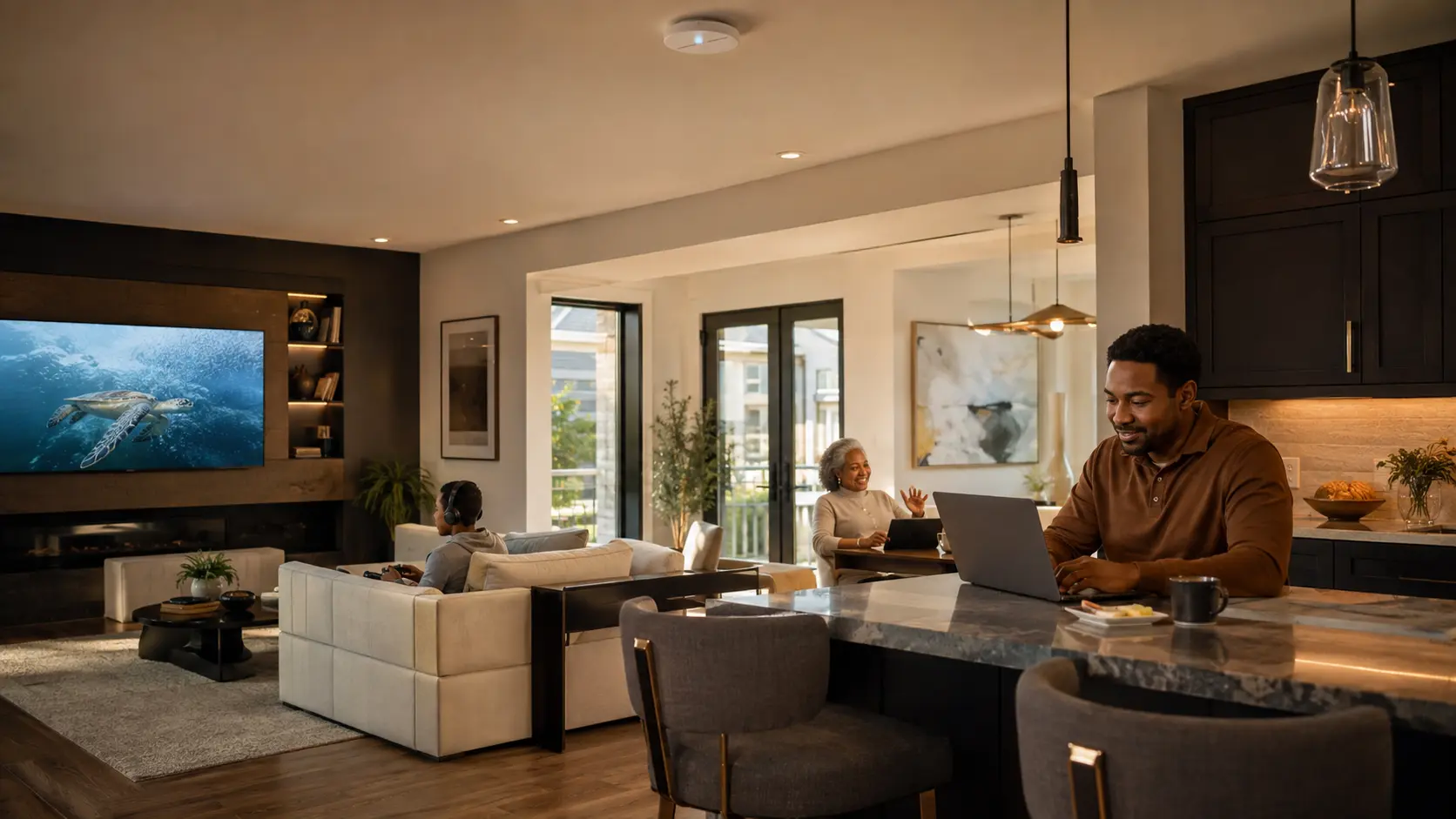
The Invisible Foundation
A fast internet plan cannot fix a poorly designed home network.
The provider delivers service to the house. The home network decides how well that service reaches the office, theater, patio, cameras, thermostats, lighting processors, and the phone moving between them. When those layers are confused, homeowners often buy more bandwidth or add another wireless extender and still experience the same interruptions.
SES begins with the experience: where reliability matters, which devices should be wired, how people move through the property, and what must keep working when dozens of systems are active together.
One Connected Path
01 · INTERNET
The service arrives.
Fiber, cable, or another provider connection sets the outside limit.
02 · GATEWAY
Traffic gets directed.
Routing, firewall rules, addressing, and separate networks begin here.
03 · SWITCHING
The wired core carries it.
Managed switches connect rooms and can power access points and cameras through PoE.
04 · ACCESS
Coverage meets the room.
Correctly placed wired access points create useful signal where people and devices actually are.
05 · DEVICES
The experience responds.
Phones roam, video starts, controls respond, and cameras report without competing blindly.

Follow the Symptom
The visible problem and the real cause are often different.
“The TV keeps buffering.”
Do not test only the speed.
SES checks the wired path, switch port, wireless airtime, device connection, local congestion, and actual internet stability. A fast speed test beside the router proves very little about the television.
“Calls drop as I walk.”
Coverage must overlap cleanly.
Too little signal creates dead zones; too much overlap can leave a device attached to the wrong access point. Placement, power, channels, and roaming behavior must be tuned together.
“Smart devices disappear.”
Compatibility and segmentation matter.
Some devices depend on specific bands or local discovery. Guest, personal, automation, and camera networks must be separated thoughtfully without blocking the communication the home requires.
The Components That Make It Work
Wi-Fi is only the final wireless hop.
A professional network is a coordinated system. SES sizes and configures each layer for the property, connected systems, expected growth, and support plan.
Gateway & firewall
The gateway manages the internet edge, routes traffic, applies security rules, and can support separate networks for family, guests, automation, cameras, or work.
Managed switching & PoE
A managed switch carries wired traffic and can deliver both data and power to compatible access points, cameras, and other devices through structured cabling.
Wired access points
Multiple access points can create consistent indoor and outdoor coverage when placement, channels, transmit power, band settings, and roaming are designed as one system.
Structured cabling & rack
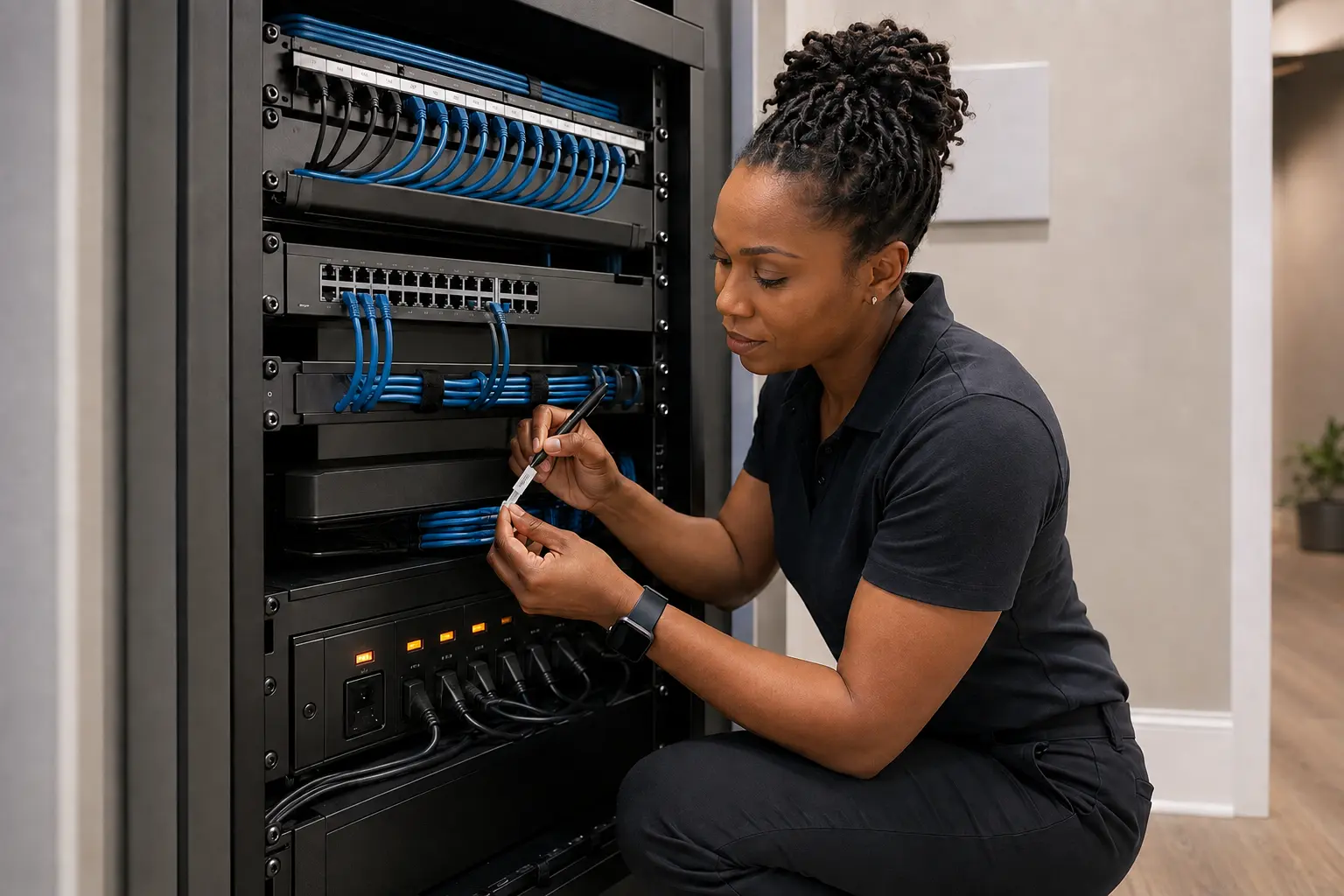
Home-run cabling, a labeled patch panel, ventilation, service loops, and organized equipment create a foundation that can be tested, documented, repaired, and expanded.
Power protection
The network cannot be reliable if its core loses clean power. SES plans surge protection, battery backup where appropriate, restart behavior, and safe equipment access.
Monitoring & documentation
Device inventory, port maps, configuration records, remote visibility, and a clear handoff shorten troubleshooting and make future upgrades far less disruptive.
Professional Platform Options
The platform should fit the property and support model.
SES works with several networking brands because homes, budgets, device loads, and support requirements differ. Some platforms provide a complete managed ecosystem; others are strongest in Wi-Fi, switching, AV transport, PoE, or focused wired applications. SES selects and configures the combination after evaluating coverage, infrastructure, security, integration, serviceability, and future growth.
Araknis
Professional routers, managed switches, and access points with OvrC-enabled visibility and remote-support tools for integrator-led residential and small-business networks.
Luxul
Routers, managed PoE switching, and multi-access-point Wi-Fi options designed for custom AV and connected-home installations.
Access Networks
A premium path for engineered residential networks that can combine system design, enterprise-grade components, configuration, validation, and ongoing support.
eero
App-managed mesh and PoE Wi-Fi options that can suit homes prioritizing straightforward operation, broad coverage, and an installer-supported handoff.
NETGEAR
Business networking and AV-focused managed switching options for projects that need PoE, multi-gig capacity, and carefully configured audio or video traffic.
Pakedge
Professional networking components found in connected-home and AV environments, including managed switching and OvrC-supported service capabilities.
Ubiquiti
The UniFi ecosystem spans gateways, managed switching, access points, network segmentation, traffic visibility, and centralized local or remote administration.
UltraTech
Managed and unmanaged Ethernet and PoE switching options for focused wired-connectivity, surveillance, access-control, and expansion requirements.
The SES decision: platform selection follows the network design. Availability, compatibility, support status, and exact product fit are confirmed in the project proposal.
The SES Network Process
From frustrating symptoms to a documented, supportable system.
- 01 · DISCOVERIdentify rooms, outdoor areas, critical systems, mobile workflows, known trouble spots, provider service, and future plans.
- 02 · AUDITInspect cabling, equipment, power, rack conditions, access-point locations, interference, coverage, client behavior, and current configuration.
- 03 · DESIGNDefine the wired topology, access-point plan, switching and PoE capacity, network segments, equipment locations, and upgrade path.
- 04 · IMPLEMENTInstall and label cabling, organize the rack, configure the platform, migrate devices deliberately, and coordinate connected systems.
- 05 · VALIDATETest wired links, Wi-Fi coverage, roaming, internet performance, critical devices, outdoor zones, guest access, and recovery behavior.
- 06 · HAND OFF & SUPPORTProvide clear network names, homeowner guidance, documentation, administrator ownership, and an ongoing service path.
Start With the Friction
Where does your connected home stop feeling effortless?
Tell SES which rooms, devices, or routines are unreliable, what internet service you have, and whether the home is finished, being renovated, or under construction. We can turn those symptoms into a clean network assessment and a practical path forward.
Request a Network AssessmentCall (571) 657-3001Explore Home Networking