
THE COMMUNICATION GOAL
Start with what people need to know.
A digital display becomes useful when it supports a clear moment. A visitor may need directions. A customer may need current options. A team may need a shared performance view. A community space may need timely announcements. Commercial digital signage planning begins with that need, not with a screen size.
For each location, describe the audience, the decision you want to make easier, and the time available to notice the message. Someone walking through a lobby reads differently from someone waiting in a reception area. That distinction shapes content length, placement, update frequency, and whether interaction is helpful or distracting.
FOUR USEFUL PATTERNS
Give every screen a job.
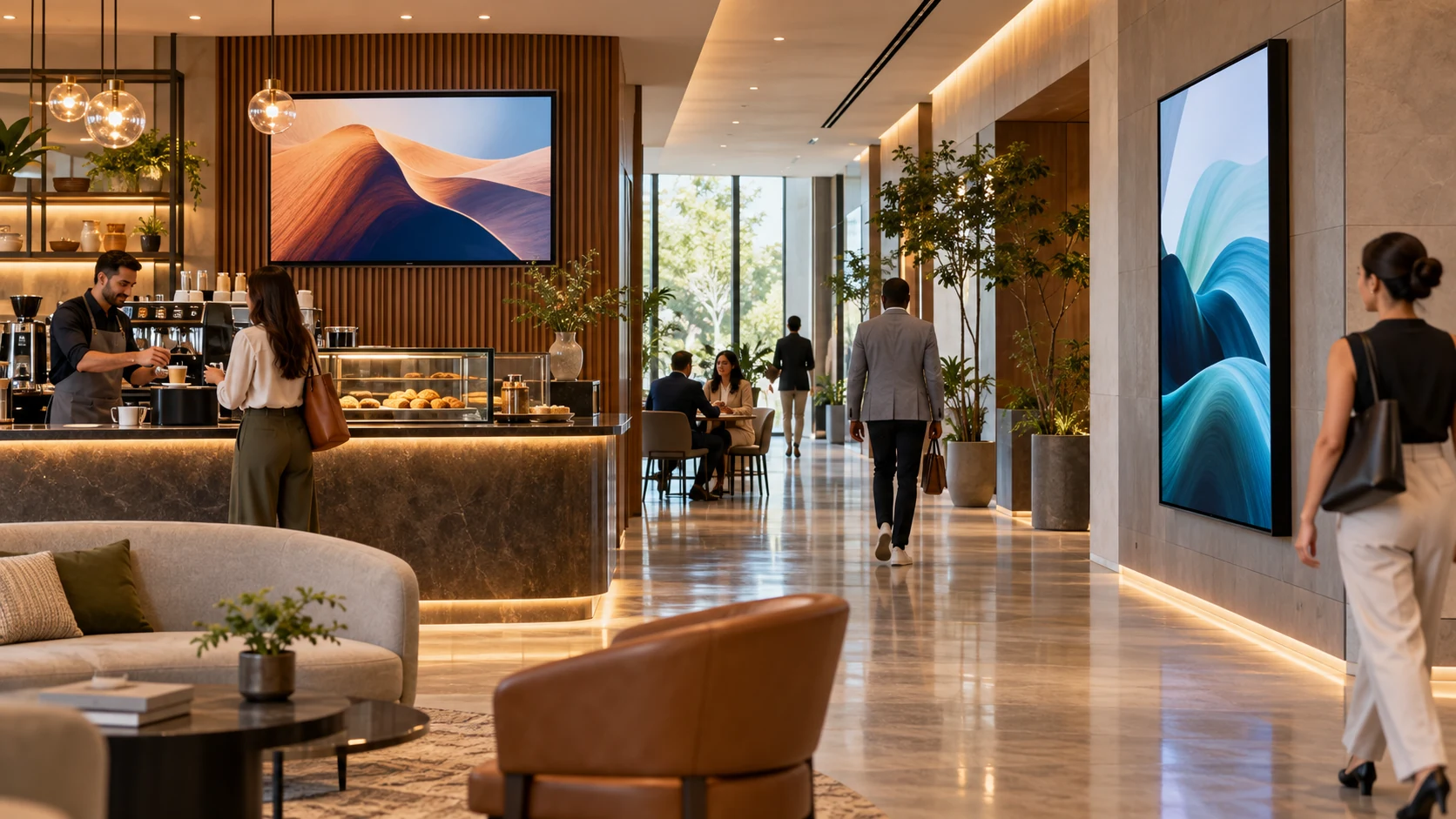
Welcome and wayfinding
Help visitors identify a destination, event, tenant, or next step without turning the lobby into a wall of instructions.
Customer information
Present current services, menus, schedules, promotions, or educational content where the information can influence the experience.
Operations and dashboards
Share approved metrics or status information with the intended team while protecting confidential details from public sightlines.
Shared-space programming
Coordinate messages, events, and visual atmosphere across hospitality, workplace, retail, or community areas.
One system can support more than one pattern, but each screen should still have a defined audience and owner.
THE VIEWING MOMENT
Design for distance, light, and attention.
Evaluate the display from the farthest intended viewing position and from the path people actually take through the space. Readability depends on the type and amount of content, not simply the diagonal measurement. A quick directional message and a detailed operational dashboard have different viewing needs.
Review daylight, glare, reflections, viewing angle, mounting height, and nearby visual competition. Keep essential messages concise, use strong contrast, and leave enough time for a person to understand each screen. When information is essential to navigation or service, coordinate an accessible alternative instead of relying on a changing display alone.
CONTENT THAT STAYS CURRENT
Build the workflow before the playlist.
Choose who creates content, who approves it, and who can publish it. Establish templates for common messages, a review path for sensitive material, and an expiration date for anything time-bound. A simple calendar can prevent an old promotion, past event, or obsolete instruction from remaining on screen.
The content platform should fit the organization. Some teams need one local screen; others need centralized publishing to several locations. Consider scheduling, user roles, permissions, version control, remote status visibility, and a practical way to recover from a failed update. Confirm licensing and compatibility for the selected platform before procurement.
THE SYSTEM BEHIND THE SCREEN
Plan the parts people do not see.
A dependable signage system may include a commercial display, an embedded or external media player, content-management software, network connectivity, power, mounting, and an enclosure or service path. The correct combination depends on operating hours, orientation, brightness, environment, content type, and the number of locations.
Confirm cable routes, ventilation, structural support, surge protection, and access for maintenance before installation. Decide what should happen if the network is unavailable: some designs can continue playing stored content, while others rely more heavily on live data. The fallback should match the importance and sensitivity of the message.
OWNERSHIP AND PRIVACY
Keep control as clear as the content.
Use named administrative roles, protect publishing access, and remove access when responsibilities change. Separate routine content work from system administration where the platform allows it. Record account ownership, subscription details, device locations, and the approved support path so the system does not depend on one person’s memory.
Treat live dashboards and connected data with care. Check what a visitor, camera, or person outside the intended area could see. Avoid exposing personal, financial, security, or operational information simply because it is convenient to place on a shared display. Review network and account requirements with the organization’s IT team.
THE REAL-DAY TEST
Test the message and the maintenance.
- View the screen in the brightest and darkest normal conditions.
- Read each message from the farthest intended viewing position.
- Publish, schedule, replace, and expire content through the normal workflow.
- Restart the player and display, then confirm the correct content returns.
- Check the approved behavior during a temporary network interruption.
- Verify that mounting, ventilation, cabling, and service access remain practical.
- Hand the process to the people who will operate and support it.
A successful test proves more than picture quality. It shows that the organization can keep the information accurate and the system supportable.
PLAN WITH SES
Turn the message into a dependable system.
SES designs digital signage and commercial display solutions across Northern Virginia, Washington, DC, and Maryland. Share the audience, locations, content responsibilities, operating hours, network standards, and support expectations. We can help connect those requirements to the right display, content workflow, infrastructure, installation, training, and service plan.