
AVPro Edge · SES product spotlight
Keep the whole afternoon in view.
When two games overlap, the usual routine is to keep changing channels or scatter devices around the room. Multiview gives the household another option: several video feeds arranged on one display. For a family media room, sports lounge, or recreation space, SES can plan that experience around the screen and seating you already enjoy.
Meet the hardware
AVPro Edge AC-MV-41
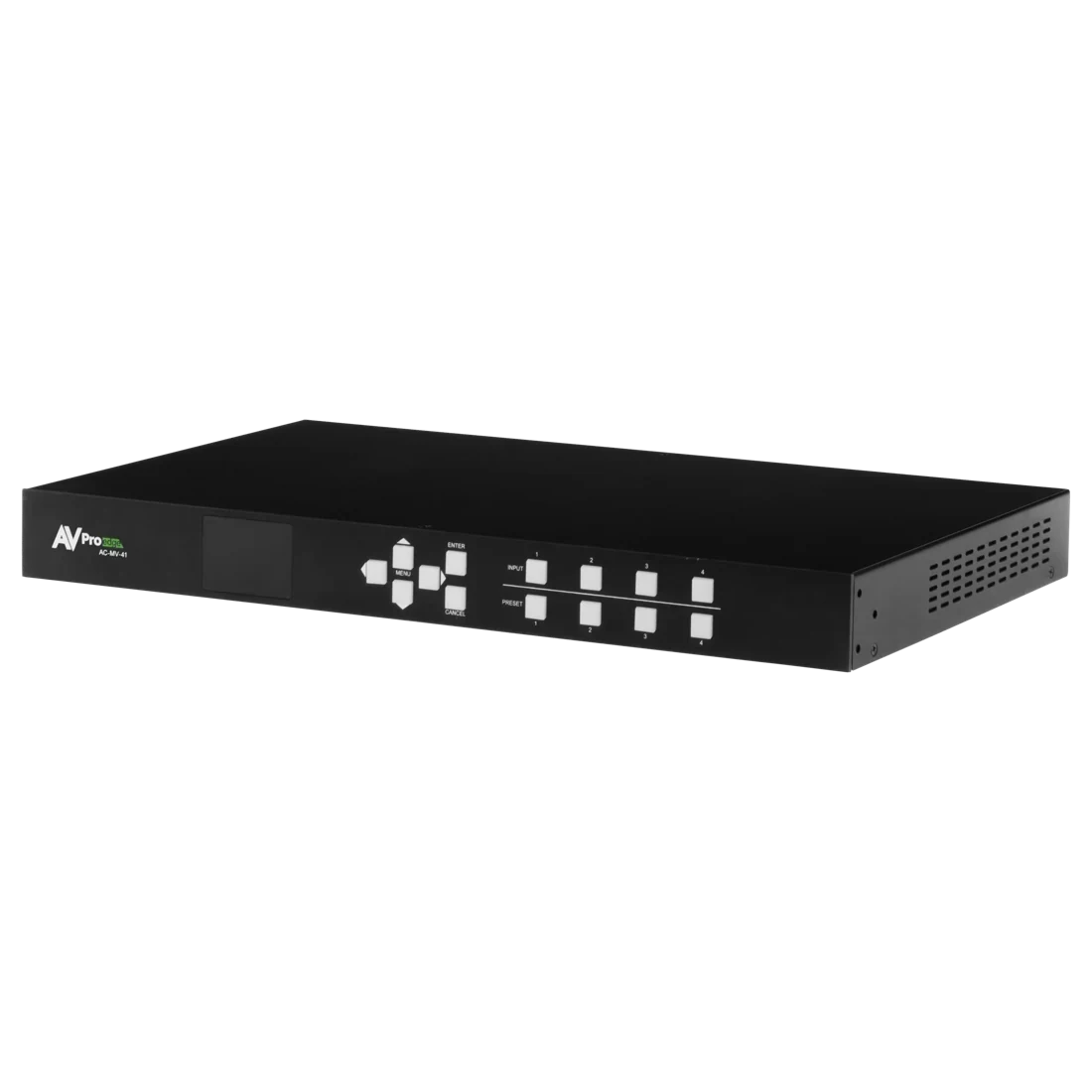
This processor accepts up to four HDMI sources and combines them into one output for a television or projector. It supports source channels up to 4K at 60 frames per second, with quad, picture-in-picture, and customized layouts.
Choose it when you want one room to show more than one live event, or keep a second source visible while the main picture stays prominent. SES can assess your display, source devices, audio, wiring, and control before recommending the system.
Three viewing moods.
Follow the field
Four equally sized windows work well when several events deserve the same attention. A larger display and sensible seating distance help each picture remain useful.
Stay with the main event
Make one feed the focus and keep another visible in a smaller window. It is a comfortable way to watch a favorite game while checking another score.
Give the moment the room
Return to a single full-screen source when the final minutes matter, or when the room shifts from game day to a movie. The layout should follow the occasion.
STILE control
Arrange the view from your seat.
STILE is AVPro’s app for the multiview experience. It lets users arrange sources and select layouts from a compatible smart device. SES can set up useful room presets and explain how the household chooses what to watch.
For an existing automated home, control integration is a separate design decision. AVPro provides a Control4 driver for the AC-MV-41; SES would confirm the current driver, source control, network, and programmed behavior for your installation.
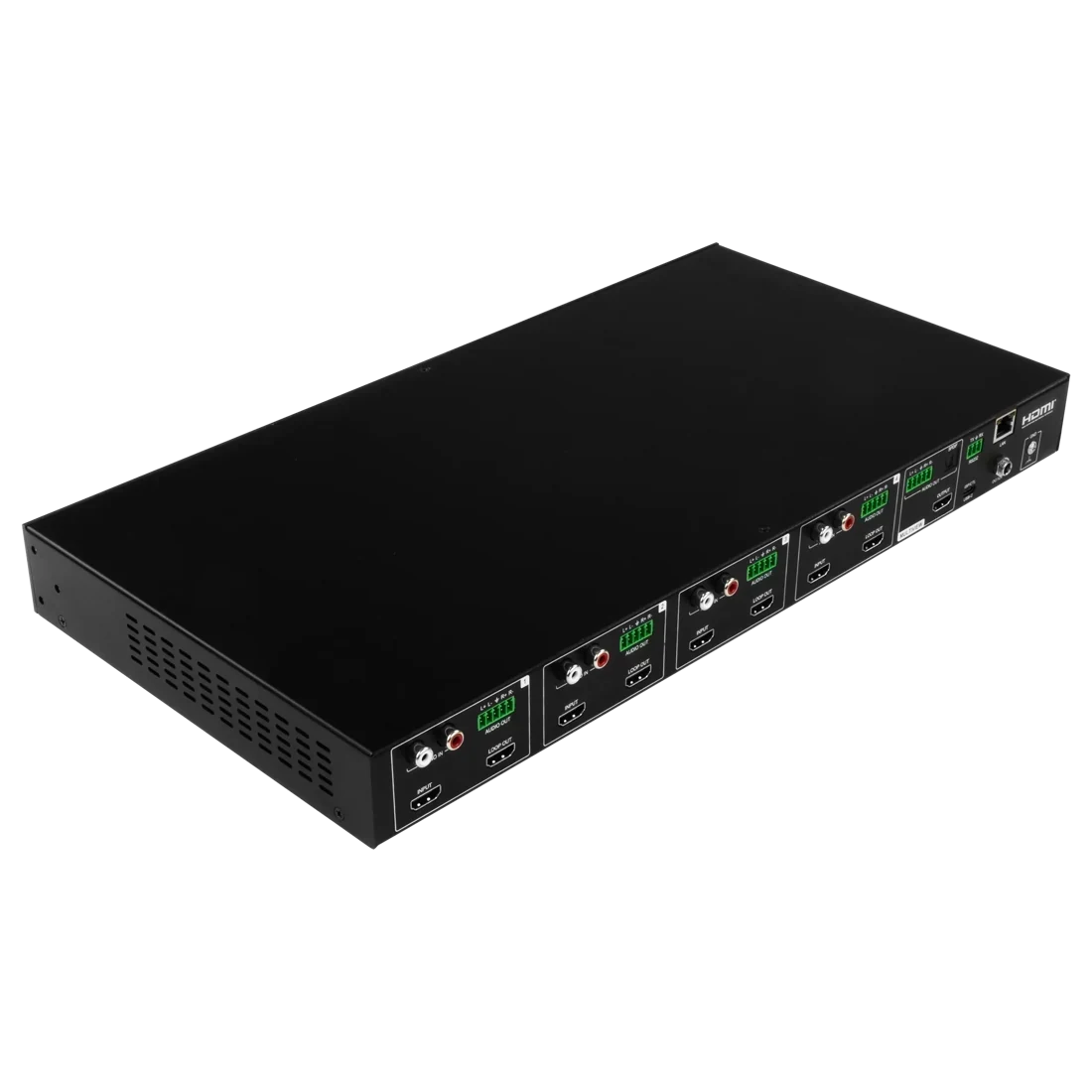
Plan the feeds. Plan the sound.
The processor needs separate HDMI feeds. A television’s built-in streaming app does not become four independent HDMI outputs. A multi-event setup may need several external players or receivers, plus the services and simultaneous streams needed for your viewing plans.
Four pictures should still lead to a clear listening choice. SES would plan which feed you hear and how it reaches the speakers. AVPro notes that the extracted analog outputs do not perform a complete multichannel downmix, so the source audio format and room sound system must be matched.
Design the finished experience
A single screen still needs a room plan.
Before a proposal, SES would review the number of simultaneous feeds, seating distance, readable picture size, cabling routes, equipment location, ventilation, and everyday control. We would also check how the system switches back to your normal viewing setup. A useful multiview room should feel easy on an ordinary evening as well as during a busy sports weekend.
Send us your room type, television or projector model, and the events or sources you want to watch together. SES can discuss a complete installation and provide a free estimate.